Clean the Moon Vehicles are for covering distant areas, carrying more Moon Dust, and cutting down on walking between a work site and the base. Start with a Garage, then choose a vehicle based on whether you need a cheaper first carrier, faster travel, or broader cleaning. The prices below are reported in gameplay footage rather than guaranteed permanent prices, so use the current Garage menu as the final check.
Vehicle choices and reported prices
| Vehicle | Reported price (in-game $) | Best use | Requirement or check |
|---|---|---|---|
| Push Sweeper | $300 | A first step up from walking; carries more Moon Dust | Garage; confirm the price in the Garage |
| Ride-on Sweeper | $1,000 | Driving between larger cleaning areas | Garage; confirm the price in the Garage |
| Luna Sweeper | $6,000 | Higher-efficiency, broader cleaning | Garage; vehicle name and tier can vary by version |
| Cleaning Rover | $300 shown in footage | Reducing direct, hands-on cleaning | Unlock and price are version-dependent |
| Mega Vacuum Rover | - | Large-area cleaning | Garage or vehicle interface; detailed price is not documented |
| Turbo Sweeper | About $2,800 nearby in footage | Fast movement and cleaning | Confirm whether the menu treats it as a vehicle or upgrade |
These rows compare the available names and the use suggested by the evidence. They are not a complete progression ladder: the relationship between Cleaning Rover, Luna Sweeper, Mega Vacuum Rover, and Turbo Sweeper is not fully documented. If the Garage uses a different name or price, follow that current in-game entry rather than treating the footage price as a requirement.
How to use a vehicle
- Build or open a Garage. Place or access the Garage at your base before trying to purchase a vehicle. Each player buys and stores their own vehicle there.
- Buy the vehicle that matches the route. A Push Sweeper is the recorded low-cost option for carrying more dust. Move to a Ride-on Sweeper or a larger rover when long travel or a broad work area is slowing you down.
- Set Suction for the job. Vehicle Suction has
eco,normal,high,max, andfullsettings. Use a lower setting while traveling, then raise it while cleaning. Cleaning-width upgrades do not expand vehicle suction. - Clean until the hopper or dust container is full. Vehicles are useful because they combine movement with larger collection capacity, but they still need a return trip.
- Return to the Garage to unload. Drive to the vehicle's unloading position, empty the Hopper or dust container, and then continue the route or take the dust into the base's selling or processing loop.
- Return to the vehicle's Bay when the battery is low. A low-battery warning means the vehicle should be driven back to its corresponding Bay to recharge before continuing.
Choosing the right upgrade path
Use a Push Sweeper when your immediate problem is carrying capacity and the reported $300 price fits your budget. Choose a Ride-on Sweeper when walking between deposits is the larger time cost; its reported $1,000 price is a footage reference, not a fixed balance value. A Luna Sweeper or rover is the better direction for a wide or remote work area, but check the Garage because the exact high-tier order is not established by the available records.
Buy a Push Sweeper for more Moon Dust capacity
This moment supports the Garage purchase and carrying-capacity guidance for choosing a Push Sweeper.

Before spending on a vehicle, check the bottleneck. If the route is still limited by hand-tool capacity or cleaning speed, review the upgrade priorities first:
- If the vehicle feels slow while moving, lower Suction instead of assuming the cleaning-width Matrix is broken.
- If it stops collecting, return to the Garage and unload rather than switching back to a hand tool for the whole route.
- If the battery warning appears, drive to the correct Bay and recharge.
- If a teammate's vehicle is left elsewhere, do not assume you can recall it; the documented vehicle rule is that players can recall their own vehicles.
Return a vehicle to its Bay to recharge
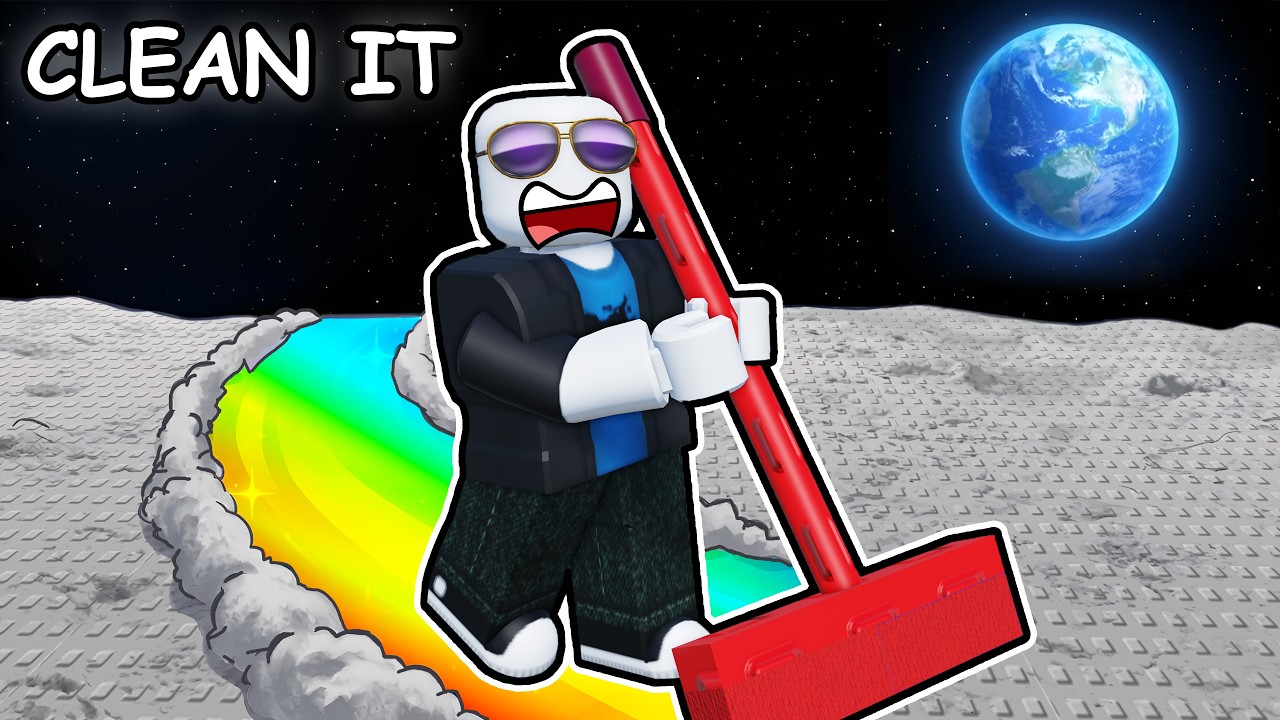
This moment demonstrates the low-battery response described here: drive the vehicle back to its corresponding Bay to recharge.
FAQ
Does the cleaning-width upgrade increase vehicle range?
No. The cleaning-width Matrix applies to cleaning tools, not the vehicle's suction range. Adjust the vehicle's Suction setting or use the relevant Garage upgrade instead.
Is the Push Sweeper definitely $300?
$300 is the price shown in the cited gameplay recording. Vehicle prices and names may change, so confirm the value in the Garage in your version before planning a purchase.
What should I do when a vehicle is full?
Return it to the Garage's unloading position, empty the Hopper or dust container, and then resume cleaning or take the collected Moon Dust into the base processing or exchange route.
Can I use a vehicle for every cleaning task?
Vehicles are strongest for distance, area coverage, and carrying capacity. The evidence does not establish that every vehicle replaces every handheld tool, so use the Garage and the current vehicle description to check the intended function.
SourcesReviewed October 31, 2026
https://cleanthemoon.wiki/cleaning-tools/
https://www.youtube.com/watch?v=4C6poRImasE
https://www.youtube.com/watch?v=5tNfFioOF3c
https://www.roblox.com/games/76678170614451/Clean-the-Moon
The vehicle names, suction settings, Garage workflow, unloading and recall rules are supported by the Clean the Moon community wiki. The $300, $1,000, $6,000, and approximately $2,800 figures are observations from the cited gameplay records; they are not independently tested prices and may not describe the same version. The Roblox record identifies the game but does not provide vehicle attributes or prices. The available evidence does not establish a complete vehicle tier order or the exact relationship between the named rover and sweeper entries.